Skip to content

Best Windows Utilities for the LUW DB2 DBA

17-Sep-08

I am a nomadic worker, and like all nomads I try to find a stable work routine that will not vary when I move between companies. I never expect corporate email, time entry, project management, problem ticket, or documentation software suites to be under my control. Database administration and general Windows utilities, however, are usually left to the individual worker to choose. It is far easier to be productive when my Windows toolset for managing Unix-hosted DB2 remains stable from client to client site. This article describes the Windows software that moves with me when I relocate.


FastStone Capture

FastStone Capture screen capture software is an invaluable documentation tool, and free shareware without annoying adware or spyware. It is far faster to capture succinct screenshots with FastStone than editing a desktop screeprint, and allows embedded annotation and caption.

(Update 2009.03.18: Since I wrote this piece, FastStone Capture is no longer freeware. It now downloads as a 30 day trial. If you want a freeware screen capture option now, you should try Gadwin PrintScreen 4.4. Click to download. )


putty

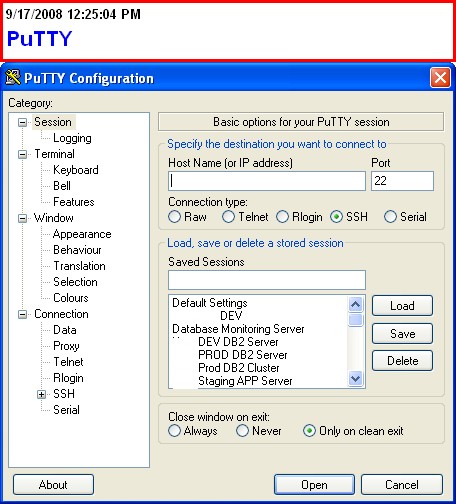
The best telnet/ssh client I have found, and a DB2 DBA standard in Chicago. The quick text copy/paste capability makes editing and running complex Unix commands relatively effortless. The tool is very stable and easy to learn.

Downsides to putty:

putty stores configuration in the Windows registry so transferring your configuration between computers is not as easy as it should be, which also makes it difficult to run putty from a thumbdrive. Here is a how-to on transferring putty configuration between computers.

I would like to be able to dynamically label/rename windows on a host. I often open multiple windows on a host and use just one window as a vi session, or a specific task, current directory, or long-running foreground task. If I could change the title bar name it would be easier to switch between sessions and recall which session was being used for a specific task.


Firefox

Firefox appears to be the standard now for all the companies I have worked at lately. I occasionally find software, such as Replicon Web Timesheet release 7.5, which only works on Internet Explorer (IBM’s documentation links also often only work well on IE, I sometimes get database errors on the IBM site when coming in through Firefox, reason unknown).

My favorite Firefox 3 work features are Reopen Closed Tabs; Session Restore; Search Engine keywords; Password Manager; and the ability to copy/paste multiple text.

I love Firefox for the speed and the tabs, of course. But what makes Firefox invaluable are the add-ons. The Firefox add-ons I find most useful for work are Scrapbook, which allows me to archive transient data without printing; Torbutton which toggles Tor easily, allowing privacy over your corporate intranet; the del.icio.us add-on allowing social bookmarking. Firefox Search Engines include the IBM DB2 LUW Information Center versions 8, 9, and 9.5.

gVim

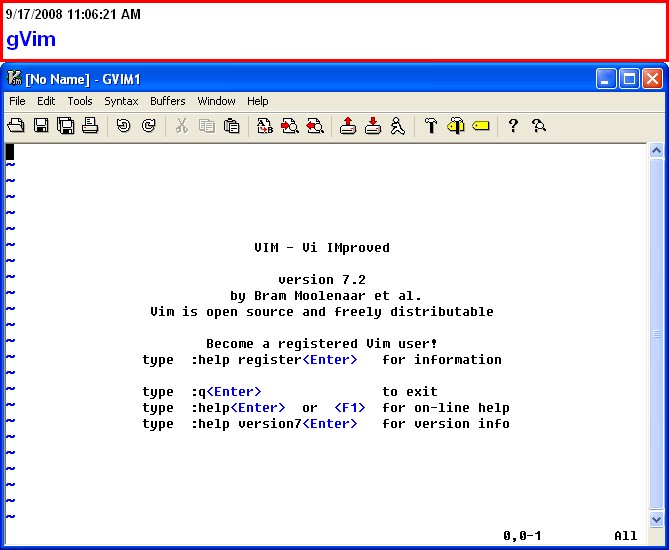
I prefer the vim editor in both the Unix shell environment and on my Windows desktop. Not only do I use it for ascii text editing, but also as a scratchpad; a place to record, for quick lookup, directory, file names, and frequently tweaked/reused commands; and a staging area to edit and review more complex shell and DB2 commands before submitting them. I almost always have a vim session open on my desktop. I write all my html on gvim.
FileZilla

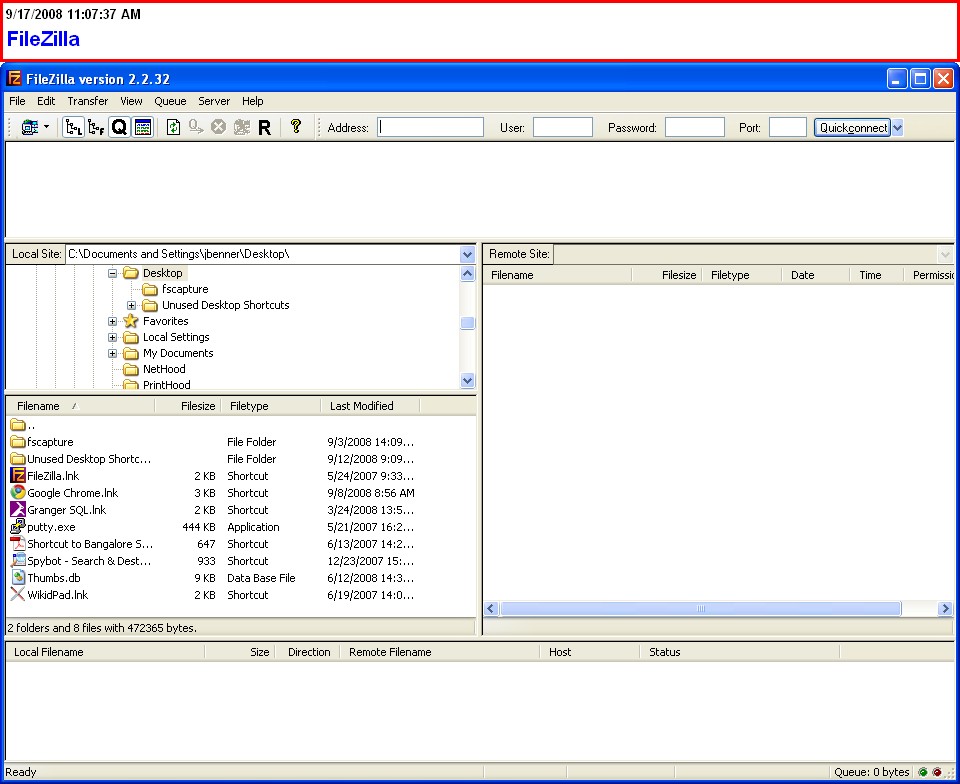
The FileZilla ftp client is easy to learn and use and has completely replaced ftp command-line for me, at least for synchronizing my laptop with server directories and files. Unlike putty, it can easily import export configuration settings, making it much more portable. The ability to run concurrent and recursive subdirectory downloads has saved me substantial time. I was initially skeptical of the graphical interface, but being able to select files by click, rather than manually type (and fumble) case-sensitive and counter-intuitive filenames eventually sold me completely over the text ftp interface. There are still, however, directories which are have too many individual files to be displayed by FileZilla. In those cases I usually flip over to the shell, and manually copy the file I need to an otherwise empty directory, then use that directory as my FileZilla source.

I only use FileZilla for laptop-server synchronization. For server-to-server file transfers scp is far easier and faster; and can be scripted.
Pidgin

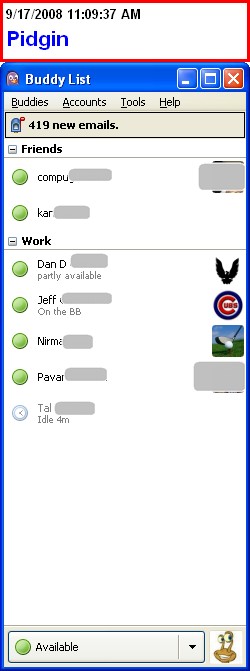
Since about 2005 the last two Chicago IT departments I have worked for have used XMPP IM for serious intradepartmental collaboration. I use Pidgin because my IM contacts are split equally between internal Jabber server accounts, external Google Talk and Yahoo IM. Pidgin is a great tool which keeps all my IM in one place.

PDF Creator

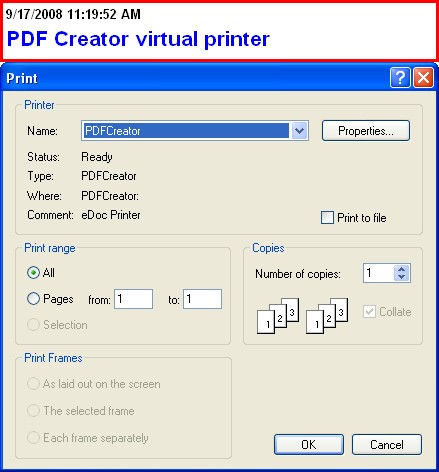
PDF Creator has given me an almost paper-free office. The utility creates a virtual printer whose output results in the creation of a PDF file. This has made it easier to collaborate with others by allowing me to easily share print output; allows me to permanently save transient data such as graphs; and build documentation.

A nice feature is the ability to merge multiple prints into a single PDF file. Other how-to on doing this are not very clear so here is a quick how-to on merging prints once you have installed PDF Creator. Assume here we want to merge 2 documents, Document A and Document B:

  • Print Document A to PDFCreator virtual printer
  • When the PDF Creator dialog comes up, click on ‘Wait – Collect’
  • Print Document B to PDFCreator virtual printer
  • When the PDF Creator dialog comes up, click on ‘Wait – Collect’
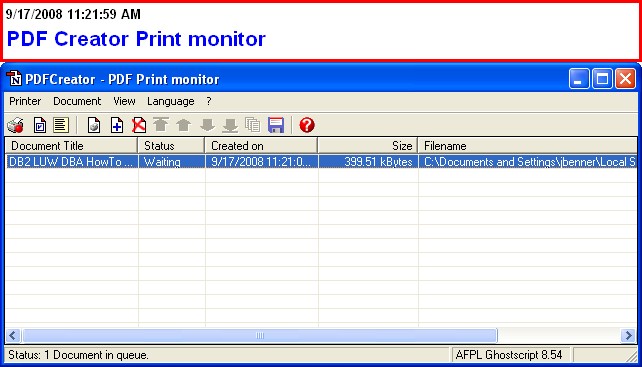
  • Now go to the “PDFCreator – PDF Print monitor” application which will have started.
  • Highlight all the files you want to merge
  • Right-click on the highlighted items. A pulldown menu will appear.
  • Choose the Combine option.
  • Now, still using PDF Print monitor, choose Print.
  • Save the resulting output.


Granger SQL

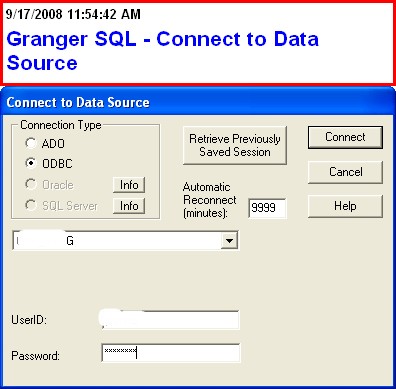
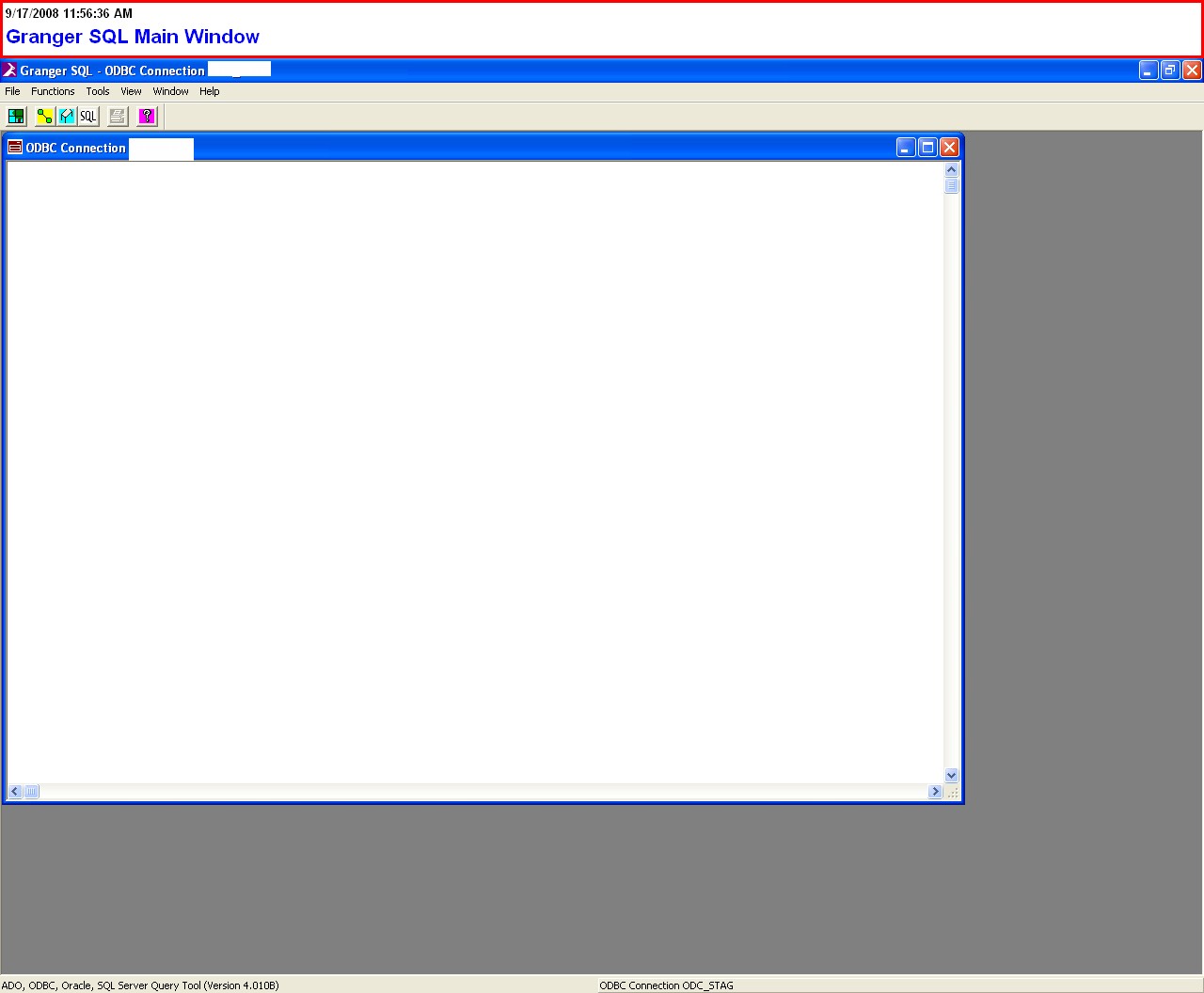
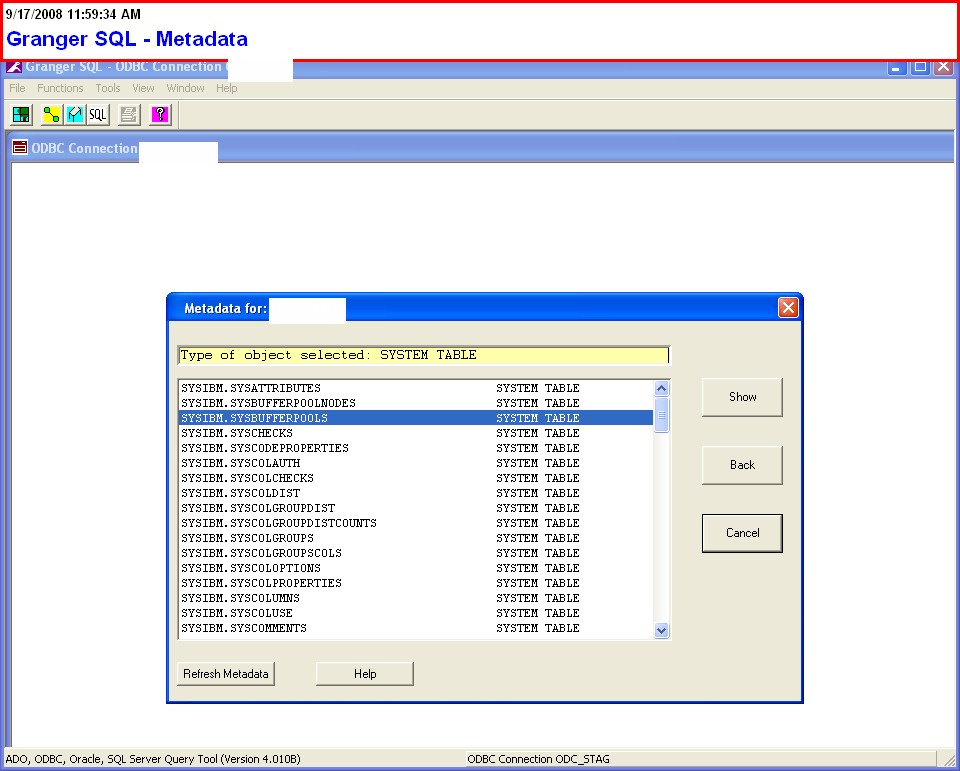
Great Windows client for Oracle and DB2, developed by Chicago consultant John Granger. This is NOT a free tool but has a long trial demo expiration period (contact the company for pricing, last time I checked single user license is around $100). Easy to install and use. The tool has nice metadata features, accessing DB2 system catalog tables, which are much easier to use than the official DB2 Control Center. If I am going to use a database Windows client on a daily basis, I will choose Granger SQL over the IBM DB2 Client.
IBM DB2 Client

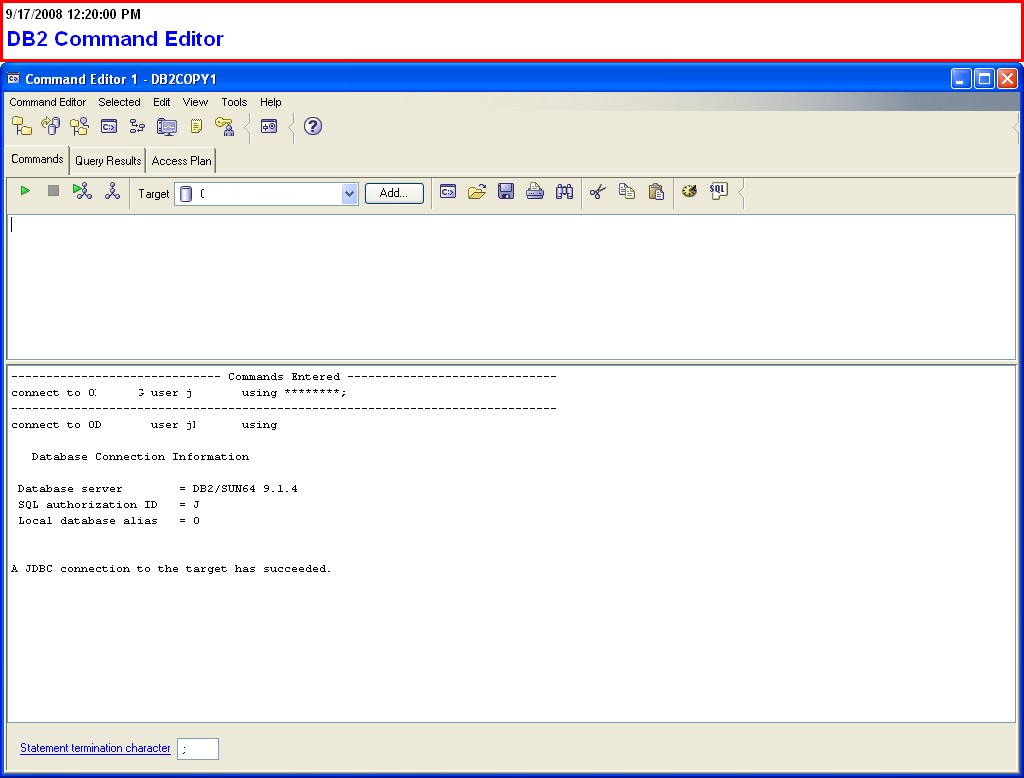
The IBM official DB2 Client for Windows falls far short of what I want in a Windows-based administration tool. I consider DB2 Client optional for my own work, which is almost exclusively administration of Unix-based DB2. If I am doing database maintenance or research, I would rather work within the Korn shell session for the database server. I then have command history, access to all my working files, and all the Unix utilities (such as awk) at my disposal. I can easily save complicated projects and resume my work later. I have the vi command-line editing options, which make my work much more efficient. I have Unix. On the Unix server shell, it is also easier to work collaboratively with other DBA’s, where filesharing is the norm rather than the exception.

Control Center displays metadata, but Granger SQL does a better job. Control Center shows performance data, but I can do a better job by writing my own snapshot captures and saving Snapshot Administrative Views to tables for 24 hour monitoring. The Health features would be nice, if only Health Monitor worked the way it should.

Furthermore, the Control Center seems bloated, both with features and memory usage (especially tiresome on a work laptop) and ever since the conversion to Java has loaded and run slower. I am not a big fan. But I recognize the need for the Client for application debugging and when for some reason you cannot get a shell session or a server account. So here are instructions on how to obtain and install the Client.

This is NOT free software. Download it by logging onto Passport Advantage IBM Passport Advantage Online . (This assumes you have a Passport Advantage account and that you own a license to DB2 Enterprise Server.)

  • Then in the right-hand column choose ‘Download software’
  • Agree to Terms in the next page
  • You will be taken to Download Finder. Drill down through these pages until you have selected Data Server Client.
  • For example, the first page may show DB2 Enterprise Server CPU Edition. On the next page choose your Language; and for Platform the appropriate version of Windows (NOT the operating system of your DB2 server).
  • You should then be given a list of available products with expansion buttons. From here choose Data Server Client, agree to terms, then begin download.
  • The downloaded file will be placed by Download Director in
    C:\DownloadDirector

    The filename for DB2 version 9.5 on Windows x86 will be

    DB2_DSClient_V95_Win_x86.exe
  • Execute this to install the client.
  • More installation instructions can be found on this page.
DB2 LUW DBA Candidate Interview Question Sampler

11-Sep-08

Here is an outline of questions and topics I recently prepared for interviewing new candidates for my current client. Besides these questions, I would also be looking for the following qualities in a strong candidate:

  • Strong English language skills
  • Can describe a documentation philosophy and has some writing samples
  • Good face-to-face communication skills and easy-going personality
  • Proactivity, doesn’t wait for someone to tell her what to do
  • Creative/hacking approach to database problems, especially if you want a performance specialist. A geek with outside technical interests is ideal.
  • Someone with a background in database development and some years in at least one non-database programming language; someone who can understand development challenges.

The Interview Outline

DB2 Process and Memory Model

  • What is the difference between an Application and an Agent?
  • How can you see physical memory (core) utilization by a Unix DB2 server? (db2mtrk)
  • What is the memory used by sorts? (SORTHEAP)
  • What is the difference between the DB2 host (machine), the instance, and the database?
  • Tell us something about DB2 memory structure (root is Instance shared memory, below that is Database shared memory; within each Database there is Application Group shared memory, then each Agent has private memory). How do we control or influence the allocation of these memory sets? (by settings in DB and DBM CFG, creation and configuration of bufferpools)

Configuration down to Database Level

  • What command allows me to see all instances set up on a host? ( db2ilist )
  • What command lets me see databases defined on an instance that I am attached to? (db2 list database directory)
  • How can I see what the DB2 registry variables are? ( db2set -all)
  • What will show me instance configuration? (db2 get dbm cfg)
  • What will show me database configuration? (db2 get db cfg for <dbname>)
  • What are the some of the scopes of configuration starting at the network as a whole, and working down to the database (not including objects within the database), that can affect non-partitioned DB2? Try to get as many as possible. Could include:

A.     Network configuration including ODBC configuration of DB2 clients and configuration of DB2 Connect gateway machines

B.     Backup server and monitor server configuration.

C.     Cluster configuration

D.     OS kernel configuration;

E.      Server physical and swap (virtual) memory, disk storage (amount and type), and number and type of processors

F.      DB2 registry (db2set -all)

G.     Instance configuration (GET DBM CFG)

H.     Node catalog (IP address and port)

I.        Database catalog

J.       Database configuration (GET DB CFG)

Backup

  • NetBackup familiarity?
  • What are the differences between offline and online backup? What are the advantages and disadvantages of each?
  • When first setting up and then later maintaining a database, what would be your main concerns with backup? (backups are successful, they can be retrieved, being retained for correct number of days, logs are being archived, backups are not interfering with time slots for other important processes)
  • How can you learn more about a backup that was done five days ago? (command LIST HISTORY)

Restore

  • Redirected Restore – describe the basic steps required.
  • What do you need to restore DB2 to a point in time?

Logging

  • What are the kinds of logging? (circular, archival)
  • When would you use one kind of logging and not another?
  • What kind of maintenance needs to be done with logs?
  • What database configuration parameter establishes the minimum number of logs? (LOGPRIMARY)

Starting and stopping DB2

  • How would you stop DB2 if db2stop did not work? (db2_kill, ipclean).
  • If db2start is taking a long time, what should you do? (determine the cause by tail db2diag.log)
  • If db2start is taking a long time to complete, why might that be? (disaster log recovery)
  • How can you determine that the DB2 engine is running? (attempt connect, check ps -ef for process db2sysc)

Space Organization

  • Describe the kinds of tablespaces. (SMS and DMS physical organization types; and object types REGULAR, LARGE, SYSTEM TEMPORARY, USER TEMPORARY)
  • What relationship does type of tablespace have to backup? (only DMS allows online tablespace level backups)
  • Where can Large Objects (LOB) reside? (in LARGE tablespaces)
  • What is the relationship between tablespace and bufferpool? (every tablespace can have only one bufferpool, bufferpool must have the same page size as tablespace)
  • How can you determine the amount of space utilized on the filesystems of a Unix host? (df)

Unix

  • Before I can do work within an instance, what must be done? (Answer: attach to the instance, generally by setting the value of environment variable DB2INSTANCE in your .profile by running the db2profile script ; or change instance via the command db2 attach to <instance name> )
  • What are some common DB2 command-line options, and what do they do? (e.g. vmstat, sar, vi, iostat, uname).
  • How might you use a Unix utility to streamline or automate your work? (awk, sed, grep).
  • What common Unix/Solaris commands would you use to query the state of the database host? (last reboot, vmstat, sar)
  • How do you copy a line and paste to another location in vi? ( escape y to yank, escape p to paste )

High Availability

  • What kind of high availability environment do you have experience with? If Solaris Cluster, ask relevant questions.

Windows

  • Which Windows utilities would you use to do your job? (name ftp client, telnet client, db2 windows client, editor)
  • Are you familiar with Wiki’s for documentation? How do you document your work?

Performance

  • Describe operating system metrics you would check for performance problems, and what numbers might indicate a problem. (CPU user % 99-100 can indicate a table scan is occurring)
  • Describe the main database performance and troubleshooting tools (db2diag.log, instance.nfy, SNAPSHOT, EVENT MONITOR)
  • Tell us more about what data elements you might look at in a snapshot
  • How can I tell that a bufferpool might be too small? (hit ratio below 98%, though some applications might not improve with a larger bufferpool; experiment through incremental bufferpool changes)
  • Describe performance numbers or calculations that can indicate database performance is not optimal (e.g. hit ratios, sort time or number sorts, high SQL execution time, high number of rows read on a specific table indicating tablescan)

SQL

  • How to see the access plan for SQL? (db2expln, EXPLAIN)
  • What are the two ways that an application can submit SQL? (dynamic and static)
  • Describe a left outer join, when would it be used?
  • How can you make sure you only return 10 rows? (clause FETCH FIRST 10 ROWS ONLY)
  • If I make a change (such as create index) that can improve the performance of SQL, what do I have to do to make sure the performance change takes effect? (make sure statistics are current via RUNSTATS after the index was created/dropped; for static SQL do a rebind; for dynamic SQL, FLUSH PACKAGE CACHE DYNAMIC).
  • What is the shortest way to show the current database timestamp on DB2 command line ( db2 “values(current timestamp)” ).
  • Describe a correlated subquery.
  • What is a common table?
  • Can I view dynamic SQL that has been run in the database in the past? (YES if it is still in dynamic package cache). How can I view the SQL that is still in dynamic package cache? (GET SNAPSHOT FOR DYNAMIC SQL ON <dbname>)

Tables. Columns and Indexes

  • Describe the kinds of table-related maintenance you might expect to do (reorg, runstats, table snapshot for unusual read/write activity, reorgchk).
  • What is a reorg?
  • For standard maintenance how would you use runstats and reorgs? (such as how often) If a table was constantly busy, how could you run runstats and reorgs, or would you?
  • Describe two ways to create a primary key.
  • Describe the components of a table that are needed to establish referential integrity between two tables.
  • How to easily assign an incremented an unique value to a column? (define it IDENTITY) (also used triggers with SEQUENCE objects)
  • What command shows me the structure of a table? (DESCRIBE TABLE <tabschema>.<tabname>)
  • What is a quick way to see the indexes for a table? (DESCRIBE INDEXES FOR TABLE <tabschema>.<tabname>)

Process concurrency

  • How can you detect a problem with table locking? (table or database snapshot high lock wait times, high number locks, high exclusive lock escalations).
  • How can you see all the connected processes running against the database? (DB2 LIST APPLICATIONS)
  • How to see utilities that are running? (DB2 LIST UTILITIES, I think this is version 9 or 8.2 at the earliest)
  • How can I see more detail if I suspect that there is a locking related performance issue? (run GET SNAPSHOT FOR LOCKS)
  • If two or more processes are holding locks the other one needs and also waiting for a lock held by the other what is that called? (deadlock)
  • What is another name for a transaction and what is it? (Unit of Work or UOW; database work that gets done between COMMIT).
  • How can transaction design affect performance? (Until a COMMIT is taken table locks are retained, which can prevent other concurrent processes from accessing the table resulting in lock wait)